➤Summary
Microsoft 365 outage disruptions on November 12–13, 2026, affected access to critical business services after a software defect caused more than 80% of Microsoft’s networking gateway servers to become unresponsive. Although the incident was not a cyberattack, widespread service interruptions can create opportunities for phishing and brand impersonation. Organizations using domain threat detection and monitoring can strengthen visibility into suspicious websites that attempt to exploit trusted brands during periods of uncertainty.
Microsoft’s preliminary investigation identified a previously undetected Windows defect, changes in network traffic, and reduced infrastructure capacity as the factors behind the disruption.
The incident affected Exchange Online most severely, while other Microsoft 365 services experienced varying degrees of disruption.
For CISOs, security operations centers, and brand protection teams, the event highlights two distinct challenges: maintaining business continuity and preventing criminals from exploiting public service incidents through fraudulent communications.
What Caused the Microsoft 365 Outage?
The Microsoft 365 outage resulted from a cascading failure within Microsoft’s networking gateway infrastructure.
According to the company’s preliminary post-incident report, dated November 15, 2026, a latent software defect introduced months earlier became active under specific traffic conditions.
The defect involved lock contention within an internal Windows process, exhausting CPU and memory resources and leaving affected servers unable to process requests.
Three factors contributed to the incident:
-
A previously undetected software defect: Specialized networking gateway code deployed beginning in July contained a problem that had not appeared during normal operation.
-
Increased network traffic: A routine Microsoft Teams failover transferred additional traffic to infrastructure also supporting Exchange Online.
-
Reduced available capacity: An unrelated issue had temporarily removed nearly 14% of gateway server capacity.
Individually, these conditions had not caused a global interruption.
Together, they created a situation in which affected servers became overwhelmed. Automated traffic management redirected requests toward other servers, which subsequently encountered the same defect.
Within approximately two hours, more than 80% of the gateway servers were unresponsive.
Microsoft emphasized that the underlying defect was specific to its Microsoft 365 networking infrastructure, not a vulnerability affecting ordinary Windows installations.
How Long Did the Microsoft 365 Outage Last?
The customer-impact period began at 4:20 p.m. UTC on November 12 and ended at 4:10 p.m. UTC on November 13, 2026.
The disruption therefore lasted approximately 23 hours and 50 minutes.
Exchange Online experienced particularly significant problems, including inaccessible mailboxes and delayed email delivery.
Other affected or partially affected services included:
-
Microsoft Teams
-
SharePoint Online
-
OneDrive
-
Microsoft Copilot
-
Microsoft Defender
-
Microsoft Purview
-
Microsoft Intune
The impact varied according to the service, region, and infrastructure dependencies involved.
Some Microsoft 365 applications recovered earlier because they could redirect traffic away from the affected gateway. Exchange Online had fewer options for switching infrastructure at the required scale.
Microsoft engineers eventually restored the affected code path, applied corrective updates, restarted server groups, and gradually returned infrastructure to service.
The company’s investigation was still preliminary at the time of publication, with further corrective actions expected in its final post-incident review.
Why Service Outages Can Create Phishing Opportunities
A major cloud service interruption creates uncertainty for employees, administrators, customers, and support teams.
Users may be unable to access email, collaborate with colleagues, or determine when normal operations will resume.
Attackers can exploit this uncertainty through social engineering.
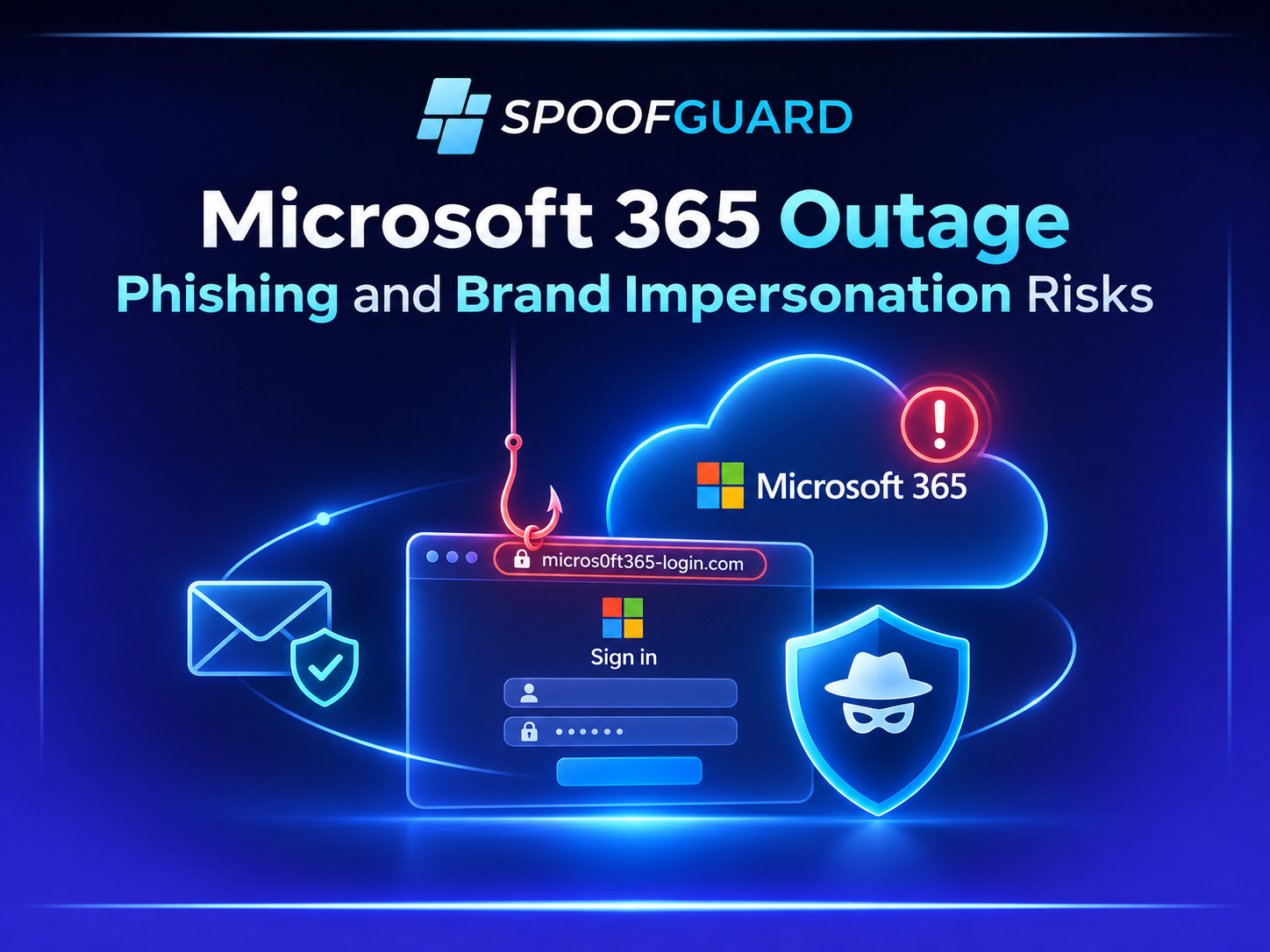
A fraudulent message might claim that an organization must urgently verify its Microsoft 365 account, restore an Exchange Online mailbox, or complete a security check following an outage.
These messages can direct users toward counterfeit authentication pages designed to capture credentials.
Importantly, there is no verified evidence that the November 2026 Microsoft outage itself was caused by attackers or that a specific phishing campaign resulted from this incident.
The phishing scenarios discussed here represent plausible risks associated with widely publicized technology disruptions.
The distinction matters. An operational incident and an opportunistic phishing campaign are separate events, even when criminals use the former as a pretext for the latter.
How Microsoft 365 Phishing and Brand Impersonation Work
Microsoft 365 phishing commonly relies on the familiarity of services such as Outlook, SharePoint, Teams, and Microsoft Entra authentication.
Attackers may imitate official branding, login interfaces, or technical support communications to make fraudulent messages appear credible.
Fake service restoration notifications
An attacker might send an email claiming that a user’s mailbox requires immediate reactivation.
The message could reference a widely reported service disruption and provide a link to a supposed recovery portal.
The link, however, may lead to a website controlled by the attacker.
Lookalike domains
Cybercriminals can register domains resembling legitimate company or service names.
These may use typographical variations, misleading subdomains, additional security-related words, or visually similar characters.
A suspicious domain could imitate a Microsoft authentication service or an organization’s internal IT support portal.
Domain similarity alone does not establish malicious activity. Investigators must examine website content, infrastructure, and behavior before reaching a conclusion.
Fake technical support pages
Fraudulent websites may also impersonate support centers, displaying fabricated error messages or instructions for restoring access.
Their objective could be to collect credentials, persuade users to download malicious software, or initiate unauthorized remote support sessions.
SpoofGuard’s existing analysis of fake AI phishing sites and deceptive login windows illustrates how familiar interfaces and trusted branding can be manipulated to support credential theft.
How Domain Monitoring Helps During Major Service Disruptions
During a high-profile outage, security teams should consider whether attackers might use the incident as a pretext for impersonation.
Domain monitoring can help identify newly registered domains resembling legitimate services, suspicious authentication pages, and websites using protected brand assets.
A practical investigation workflow includes:
-
Discover suspicious domains. Monitor registrations, DNS changes, certificate transparency logs, and known lookalike variations.
-
Examine website content. Determine whether an active page imitates a legitimate login portal or support service.
-
Evaluate risk indicators. Consider domain age, hosting infrastructure, redirects, page content, and evidence of credential collection.
-
Prioritize confirmed threats. Distinguish potentially suspicious registrations from websites actively conducting impersonation.
-
Coordinate remediation. Prepare evidence for security teams, hosting providers, registrars, and appropriate takedown processes.
SpoofGuard supports these activities through its brand protection, phishing detection, and takedown workflows.
For an organization operating several brands or managing multiple clients, continuous monitoring can reduce the effort required to investigate suspicious domain activity.
External domain monitoring does not prevent cloud outages or detect every phishing message. Its role is to provide visibility into infrastructure that may be used for impersonation.
How Organizations Should Respond to Outage-Themed Phishing
Security awareness and operational procedures become especially important when normal communication channels are unavailable.
Attackers may take advantage of employees who are already expecting unusual messages from IT departments.
Organizations can reduce this risk by establishing alternative communication channels before a disruption occurs.
Employees should know where to obtain legitimate service updates and how to verify instructions independently.
Microsoft provides an official Microsoft 365 service health dashboard guide explaining how administrators can review incident status, affected services, and recovery information.
Security teams should also reinforce several precautions:
-
Never enter credentials through links received in unexpected restoration messages.
-
Verify suspicious support requests through established internal channels.
-
Use approved authentication portals and password managers.
-
Report suspicious domains and fraudulent websites promptly.
-
Avoid downloading unverified recovery tools or browser extensions.
For additional protection, organizations can combine technical controls with security awareness training that teaches employees to recognize phishing and social engineering attempts involving trusted brands.
What MSSPs and Brand Protection Teams Should Prioritize
Managed security service providers often supervise several organizations that depend on the same cloud infrastructure.
During a major outage, this shared dependency can generate simultaneous support requests and security investigations.
A structured response should separate genuine service problems from potentially malicious activity.
SOC analysts can correlate official incident notifications with suspicious emails, newly registered domains, authentication anomalies, and employee reports.
Brand protection teams should assess whether suspicious websites are impersonating legitimate organizations and preserve evidence before requesting removal.
For MSSPs, maintaining client-specific brand watchlists and established escalation procedures helps make these investigations more consistent.
The objective is not to treat every domain registered during an outage as malicious. It is to identify credible impersonation attempts and respond proportionately.
Frequently Asked Questions
What caused the November 2026 Microsoft 365 outage?
The incident resulted from a previously undetected software defect in Microsoft’s networking gateway infrastructure. Increased traffic and reduced server capacity activated the defect, causing cascading server failures. Microsoft reported that more than 80% of affected gateway servers became unresponsive. The outage was operational and was not attributed to a cyberattack.
Did hackers cause the Microsoft 365 outage?
No. Microsoft’s preliminary investigation attributed the incident to an internal infrastructure defect and related capacity conditions. There was no evidence that attackers caused the disruption. However, criminals can independently exploit public service interruptions by circulating fraudulent recovery messages or impersonating trusted support services.
Can a Microsoft 365 outage increase phishing risks?
A major outage can create circumstances that phishing attackers may exploit, particularly when employees expect unusual communications about service restoration. Attackers may impersonate support teams or create fake authentication pages. This is a general threat scenario, not evidence of a confirmed phishing campaign associated with the November 2026 incident.
How can companies detect fake Microsoft 365 login pages?
Organizations can combine domain monitoring, suspicious URL analysis, website-content inspection, identity security controls, and employee reporting. Newly registered lookalike domains can provide useful investigative leads, but similarity alone does not prove malicious activity. Security teams should validate website behavior and supporting evidence before classifying a domain as a confirmed phishing threat.
Detect Lookalike Domains Before They Become a Security Incident
The Microsoft 365 outage demonstrates how dependent organizations are on trusted cloud services. Although the disruption was not malicious, high-profile incidents can provide opportunities for phishing and brand impersonation.
SpoofGuard helps security teams identify suspicious domains, investigate potential phishing websites, and coordinate responses to online brand abuse.
Continuous monitoring, combined with evidence-based investigation and employee awareness, can strengthen visibility into external impersonation risks.
Explore the SpoofGuard 7-day free trial to evaluate how domain monitoring and phishing detection can support your organization’s brand protection strategy.